
Executive Summary (Quick Answer): langgenius/dify v1.20 marks a major enterprise hardening milestone for open-source AI orchestration. It replaces proprietary observability sinks with native, vendor-agnostic OpenTelemetry GenAI Semantic Conventions, introduces multi-channel Human-in-the-Loop (HITL) approval nodes routing interactive review cards to Slack, Microsoft Teams, Feishu, and email, and enforces pre-index malware scanning across RAG knowledge uploads. Upgrading self-hosted environments requires navigating critical breaking changes: splitting legacyshared.envdeclarations acrossapi-worker.envandurls.env, registering two new Celery task queues (human_input_deliveryandhuman_input_contact_sync), and applying six sequential Alembic database migrations.
💡 Key Takeaways (TL;DR)
- Enterprise Observability Standard: Dify 1.20 drops vendor lock-in by implementing standard OpenTelemetry distributed tracing, exporting complete agent span hierarchies, token latencies, and tool call payloads to any collector, including Datadog, SigNoz, and Jaeger.
- Asynchronous Human Approvals (HITL): Workflows no longer stall waiting for browser UI clicks. The new HITL subsystem routes interactive approval cards directly into corporate chat channels (Slack, Microsoft Teams, Feishu, WeCom, DingTalk) and email with centralized directory sync.
- Defensive RAG Ingestion: Unverified document uploads pose a serious vector for corporate malware injection. Dify 1.20 introduces pluggable antivirus scanners (Cloudmersive, Scanii, OPSWAT, and custom ICAP/REST endpoints) that sanitize files before chunking and vector embedding.
- Automation via Personal Access Tokens: Scripts, CLI tools, and autonomous agent loops can now query Dify OpenAPI endpoints using scoped Personal Access Tokens (PATs) rather than relying on shared root API keys.
- Ecosystem Telemetry: Reposen tracks langgenius/dify with over 161,500 GitHub stars, showing an active surge of +242 stars in the last 24 hours as teams modernize their internal LLM application stacks.
1. The Enterprise Orchestration Bottleneck: Beyond Toy Agents
Building an AI prototype with raw Python scripts or experimental agent loops is trivial. Operating enterprise-grade generative AI workflows across hundreds of corporate users, however, repeatedly hits three operational ceilings:
- Observability Blind Spots: Proprietary LLM tracing tools trap execution metrics in closed SaaS silos. Enterprise security teams demand that AI execution traces, prompt costs, and downstream latency spans flow through existing corporate observability stacks conforming to standard OpenTelemetry GenAI specifications.
- The Human Approval Gap: Autonomous agents executing database writes, financial refunds, or production deployments cannot run fully unsupervised. Yet forcing human reviewers to log into a separate web dashboard creates severe operational lag. Approvals must happen where engineers and managers already communicate.
- Knowledge Base Poisoning and Malware: Enterprise RAG pipelines routinely ingest employee uploads, customer tickets, and partner attachments. Without automated antivirus gating before text extraction, malicious payloads and macro-enabled files bypass perimeter firewalls and persist inside corporate vector databases.
With Dify v1.20, the core team addressed these exact enterprise requirements, establishing a robust operational backbone for mission-critical agent workflows.
2. Under the Hood: The Dify 1.20 Distributed Architecture
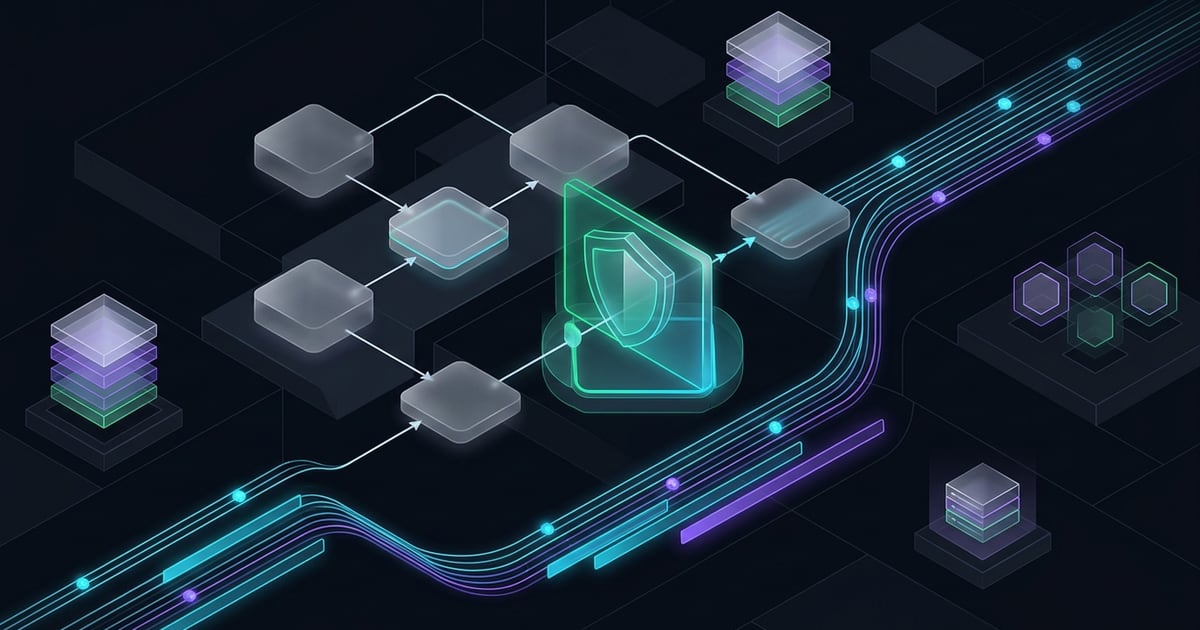
Dify separates concerns across isolated services: an asynchronous Flask and Celery API worker layer, a Next.js web console, a standalone sandboxed code execution backend (OpenShell), and a local plugin daemon.
Antivirus Sanitizer & Pre-Index Scanner
- Intercepts incoming RAG documents before tokenization and vector ingestion
- Blocks malicious executables, macro payloads, and unauthorized binary formats
Dify Orchestrator & Asynchronous HITL Gate
- Halts workflow state at Human Input nodes without blocking API workers
- Pushes interactive approval cards to Slack, Teams, Feishu, and email channels
OpenTelemetry Exporter & Vector Database
- Streams structured traces, token counts, and tool latencies to any OTel collector
- Persists indexed embeddings to vector backends (Qdrant, Milvus, pgvector)
3. Native OpenTelemetry Distributed Tracing
Prior to version 1.20, monitoring agent decision paths in Dify relied heavily on proprietary integrations such as Langfuse, LangSmith, or Datadog custom plugins. Following the deprecation of legacy SaaS endpoints, Dify 1.20 introduces first-class, native OpenTelemetry support.
The Standard OTLP Span Hierarchy
When OPENTELEMETRY_ENABLED=true is activated in api-worker.env, Dify wraps every execution cycle in a standards-compliant trace context:
- Workflow Root Span (
workflow.run): Captures end-to-end execution latency, trigger metadata, user context, and terminal status codes. - LLM Invocation Spans (
gen_ai.client.inference): Adheres to official OpenTelemetry semantic conventions, recordinggen_ai.system,gen_ai.request.model, prompt tokens, completion tokens, temperature, and streaming chunk timing. - Tool Call Child Spans (
agent.tool.execute): Measures isolated latency for external API requests, database queries, and code sandboxes, allowing teams to instantly identify lagging downstream services.
# Configure OpenTelemetry exporter in docker/api-worker.envOPENTELEMETRY_ENABLED=trueOPENTELEMETRY_ENDPOINT=http://otel-collector:4318/v1/tracesOPENTELEMETRY_PROTOCOL=http/protobufOPENTELEMETRY_SERVICE_NAME=dify-production-orchestratorOPENTELEMETRY_HEADERS={"Authorization":"Bearer your-otel-secret-token"}4. Human-in-the-Loop Messaging Gates: Approvals in Slack and Teams
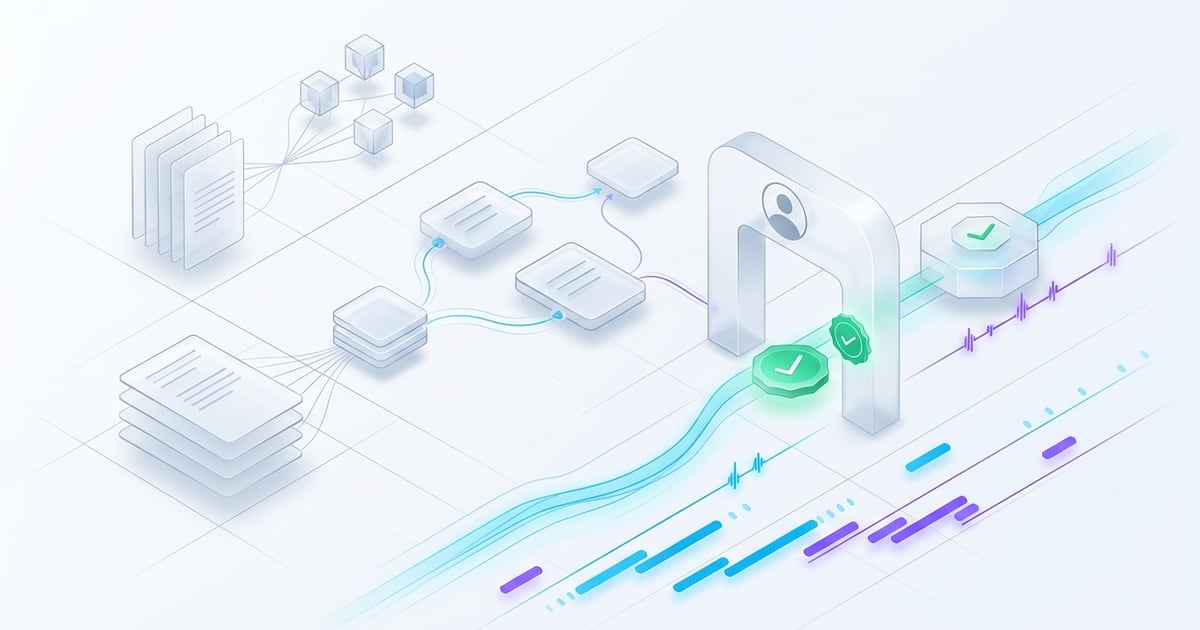
Autonomous agents should not make high-stakes decisions in isolation. Dify 1.20 introduces a re-architected Human-in-the-Loop (HITL) subsystem that delivers actionable review cards into enterprise messaging platforms:
Channel and Directory Integration
- Supported Channels: Slack, Microsoft Teams, Feishu (Lark), WeCom, DingTalk, and verified Email forms.
- Centralized Contacts Directory: Administrators can sync organizational user directories via corporate identity providers, mapping workflow nodes to specific roles, groups, or dynamic user variables.
- Interactive Approval Cards: Reviewers can inspect the agent's proposed action, view generated diffs, and click "Approve" or "Reject" directly inside their chat client without navigating away from their ongoing work.
Asynchronous Queue Separation
To prevent long-running human review waits from choking Celery workers handling standard LLM invocations, Dify 1.20 isolates approval notifications into two dedicated task queues:
human_input_delivery: Manages outward delivery of notification cards and email dispatches.human_input_contact_sync: Synchronizes user contact records with upstream IM directories.
According to official Celery distributed task queue guidelines, production deployments must explicitly subscribe their worker instances to these queues to prevent approval timeouts.
5. Enterprise Knowledge Base Security: Pre-Index Malware Defense
In modern enterprise architectures, document indexing is an unvetted threat vector. If an adversary uploads an infected PDF, macro-enabled spreadsheet, or malicious ZIP archive disguised as documentation, internal applications querying that file can suffer compromise.
Dify 1.20 integrates automated antivirus scanning at the ingestion perimeter:
# In docker/api-worker.envETL_MALWARE_SCAN_ENABLED=trueETL_MALWARE_SCAN_PROVIDER=cloudmersiveETL_MALWARE_SCAN_API_KEY=your-cloudmersive-api-key# Supported providers: cloudmersive, scanii, opswat, custom_endpointWhen a document is uploaded, Dify halts chunking until the external scanning engine confirms clean status. Infected files are quarantined immediately, audit events are dispatched to security logs, and the vector pipeline remains untouched, directly fulfilling compliance mandates under the NIST AI Risk Management Framework.
6. The Comparative Orchestration Landscape
Selecting an enterprise AI orchestration platform requires balancing visual authoring speed against runtime determinism and deployment control:
| Orchestration Platform | Primary Interface | Observability Backbone | Human-in-the-Loop Mechanism | Sandboxing & Code Execution | Deployment Footprint |
|---|---|---|---|---|---|
| Dify (langgenius/dify) | Visual Workflow & Prompt IDE | Native OpenTelemetry + Tracing | Slack, Teams, Feishu, Email cards | OpenShell Docker micro-sandboxes | Self-hosted Docker Compose / K8s |
| LangGraph (LangChain) | Code-First Python & TypeScript | LangSmith proprietary tracing | Breakpoints via checkpointer state | External container runtimes | Python library / Cloud runtime |
| Flowise | Node-Based Canvas | Langfuse, Datadog plugins | In-browser chat approvals | Basic Node.js VM2 isolation | Self-hosted Node.js container |
| Coze (ByteDance) | Visual Bot Builder | Proprietary platform metrics | In-platform chat review | Cloud container sandboxes | Proprietary SaaS platform |
7. Breaking Changes & The v1.20 Production Migration Checklist
Upgrading a live Dify deployment to version 1.20 requires careful preparation to prevent database deadlocks and lost worker tasks. Follow this sequential operational checklist:
1. The Environment Split (shared.env Deprecation)
In previous versions, common environment variables resided inside a single shared.env file. In Dify 1.20, shared.env is formally deprecated and no longer loaded by default.
- Migrate database credentials, Redis configurations, and encryption keys into
docker/api-worker.env. - Move public endpoint declarations and reverse proxy addresses into
docker/urls.env. - Keep internal routing configuration in
docker/web.env.
2. Celery Worker Queue Registration
If you manage standalone Celery workers, update your worker startup commands to listen on the two new HITL queues:
# Update Celery worker process argumentscelery -A app.celery worker \ -Q dataset,generation,mail,ops_trace,human_input_delivery,human_input_contact_sync \ -l INFO -c 43. Applying the Database Migration Chain
Dify 1.20 introduces six sequential schema migrations for table partitioning, contact directory schemas, and personal access tokens:
# Gracefully stop existing workerscd dify/dockerdocker compose stop -t -1
# Fetch release and pull updated imagesgit fetch --tagsgit checkout 1.20.0docker compose pull
# Apply Alembic schema migrations before starting workersdocker compose run --rm api flask db upgrade
# Bring the updated cluster onlinedocker compose up -d4. OpenShell Credential Rotation
For clusters running the OpenShell sandbox daemon, Dify 1.20 enforces per-sandbox authorization token derivation. Teams must upgrade the OpenShell gateway and SDK in tandem to version 0.1.3 or later and ensure DIFY_AGENT_OPENSHELL_SHELLCTL_AUTH_TOKEN is synchronized across all agent backend replicas.
Frequently Asked Questions (FAQ)
Can Dify 1.20 export traces directly to Datadog or SigNoz without Langfuse?
Yes. Dify 1.20 implements native OpenTelemetry standard protocols (OTLP via HTTP/protobuf). You can point OPENTELEMETRY_ENDPOINT directly to an OpenTelemetry Collector, SigNoz ingestion endpoint, or Datadog OTel agent, completely eliminating the need for intermediary SaaS tracing tools.
What happens to active workflows if a human reviewer ignores an approval notification?
In Dify 1.20, workflow nodes configured with Human Input can declare an optional timeout parameter. If no reviewer responds within the allotted timeframe, the workflow can either fail gracefully, follow a configured fallback path, or escalate to a secondary notification contact.
Is OpenTelemetry tracing enabled by default in Dify 1.20?
No. OpenTelemetry tracing is opt-in to prevent unexpected network traffic in offline or air-gapped environments. To enable it, set OPENTELEMETRY_ENABLED=true and configure the collector endpoint in your api-worker.env file.
How does Dify 1.20 handle malware detection during RAG uploads?
When document scanning is enabled, Dify transmits the file stream to the configured antivirus provider (such as Cloudmersive or an internal ICAP server) prior to executing text extraction. If a signature or anomaly is detected, the file is rejected immediately with an HTTP 400 validation error, ensuring infected files never enter the vector index.